
A dashboard that makes sense
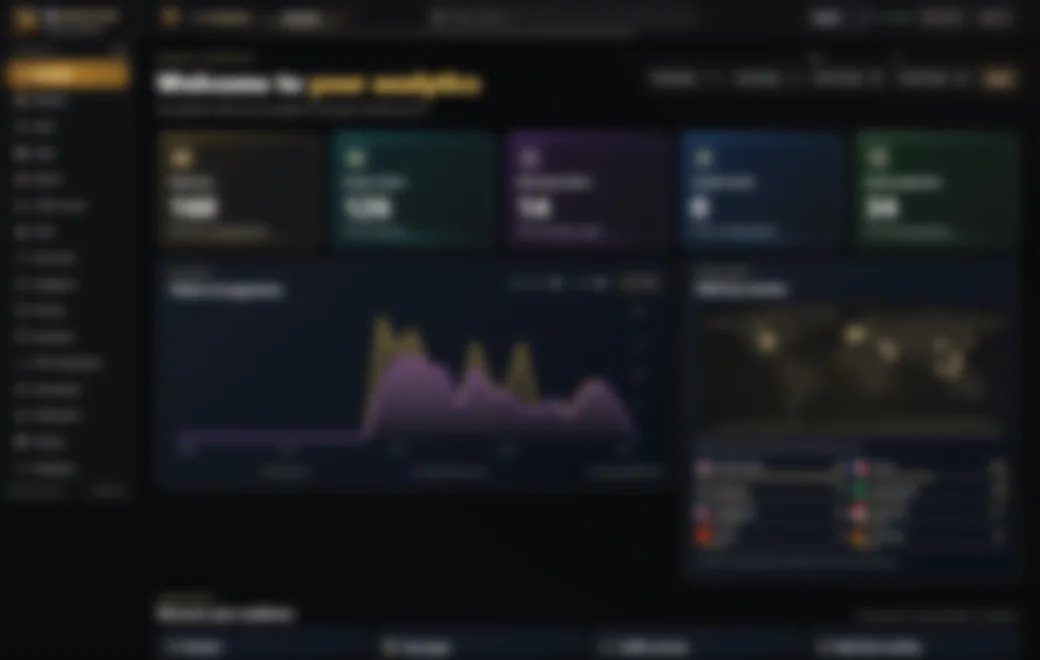
Traffic at a glance, live activity, geographies, device breakdowns and meaningful trends in one view.
A thoughtfully designed, self-hosted analytics platform for understanding your websites, audiences and growth — with privacy and control at the center.
Explore real platform capabilities, organized around what you want to understand and accomplish.
Traffic at a glance, live activity, geographies, device breakdowns and meaningful trends in one view.
Compare websites, monitor daily trends and export useful CSV reports.
Discover visitors, sessions, countries, devices, browsers and page journeys.
Define conversion goals and measure the actions that matter to your website.
Manage branded short links, QR codes, link groups and accepted-click analytics.
Collection alerts, operational health, report schedules, automations and delivery channels.
Browse a visual tour of the actual dashboard layout. Private text and metrics have been permanently blurred in every screenshot.
A clear look at your website's important signals.
The platform includes consent-aware collection, Do Not Track and Global Privacy Control handling, protected administration and self-hosted deployment.
The platform provides a full installation snippet when you connect a site — no need to manually assemble it from a tracking key.
Register your domain in the Websites workspace.
Copy the complete snippet and place it before the closing head tag.
Explore your dashboard, reports and audience insights.
<script defer src="https://analytics.ms.sy/t.js" data-site="YOUR_SITE_KEY"></script>Illustrative code only. Use the exact unique snippet shown in your own Websites page; YOUR_SITE_KEY is a placeholder.
No. This is a separate, public product showcase. The administrative dashboard remains at analytics.ms.sy and requires authorized access.
Yes. The product supports English and Arabic with right-to-left layout for Arabic.
The previews originate from product screenshots, but all original text and metrics in the published images are deliberately blurred to protect private data.
The showcase itself ships without analytics scripts, cookies or third-party JavaScript. Hosting infrastructure may still create ordinary access and security logs.
Visit your private MS Analytics workspace to explore your own website data.
Open MS Analytics